




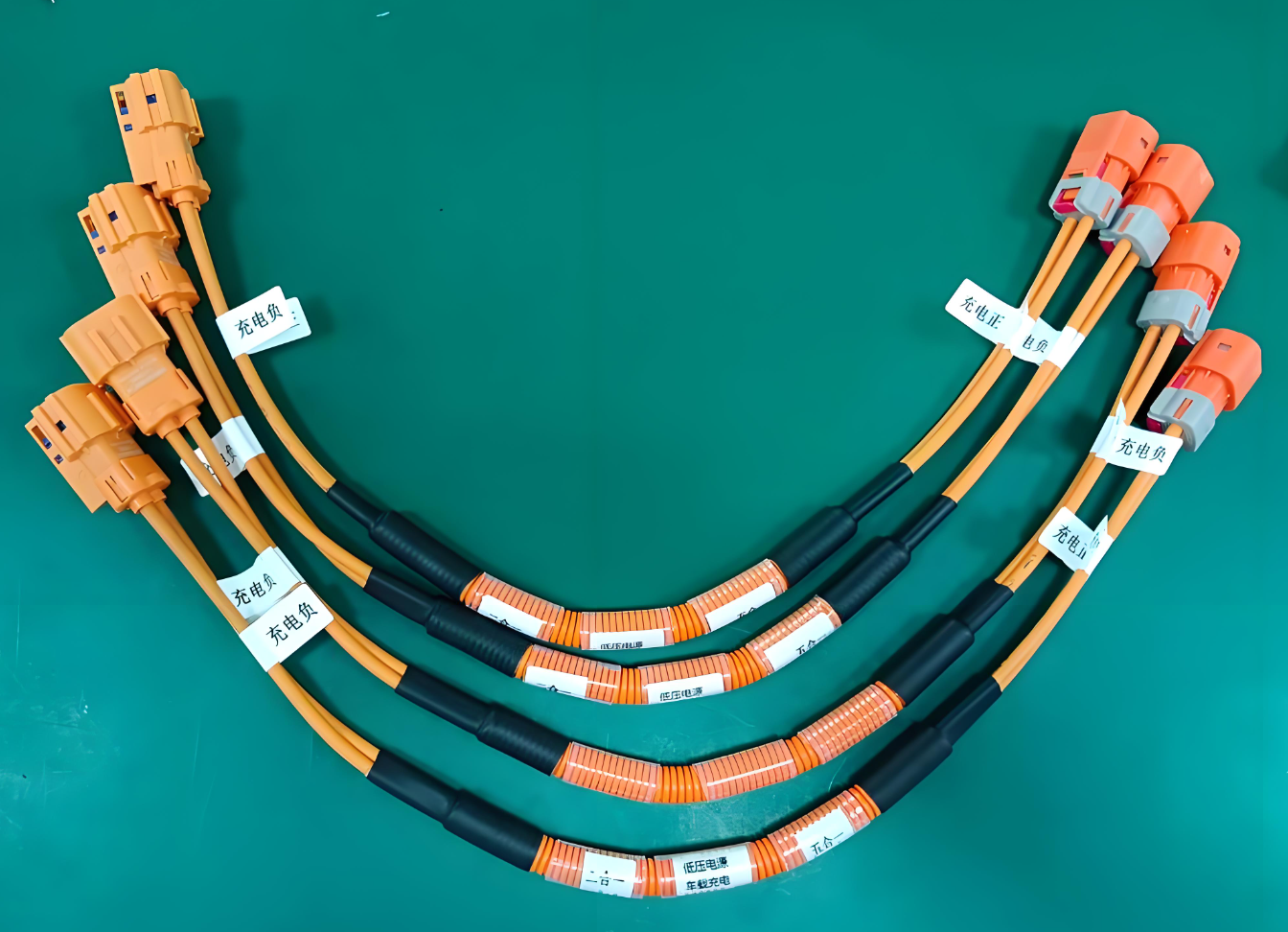




An internal-cable RFQ often arrives as a single line: "MCIO, Gen6, 1 m." That line leaves out which rate the product page actually lists, and it does not say whether both ends match the gold-finger plug in the photo. If you are the engineer or buyer writing that RFQ, walk through the six decisions below, check the five common mistakes, and paste the checklist at the end into your request.
What is an MCIO connection cable?
In a server build, an MCIO connection cable is the finished internal assembly that links a motherboard to a backplane. Lianbang's MCIO connection cable is listed for that link: SFF-TA-1016 protocol, built for high-speed, low-latency, low-loss runs. The product photo shows gold fingers and a blue latch at each end, with a black braided jacket.
Bare PCIe twinax—the silver-white pair that board or harness builders terminate themselves—is a separate product and a separate quote. This page covers the finished cable that already has the gold fingers and latches installed.
Decision 1: PCIe 5 vs 6 starts with what the product page actually lists.
PCIe 5 vs 6 usually comes up when a buyer wants to put a PCIe generation on the purchase order. This page lists one PCIe generation: PCIe Gen5 at 32 GT/s. It also lists 56G PAM4, 112G PAM4, and a single-channel rating of 56 Gbps. It does not list PCIe Gen6.
Write the exact rating your link runs, and keep the rows separate: PCIe Gen5 at 32 GT/s, single-channel 56 Gbps, 56G PAM4, and 112G PAM4 are distinct spec lines on the page, not different names for the same number.
If you are choosing a generation from the bare PCIe twinax series instead, put that on its own quote line. Do not carry an unlisted generation over onto this MCIO assembly.
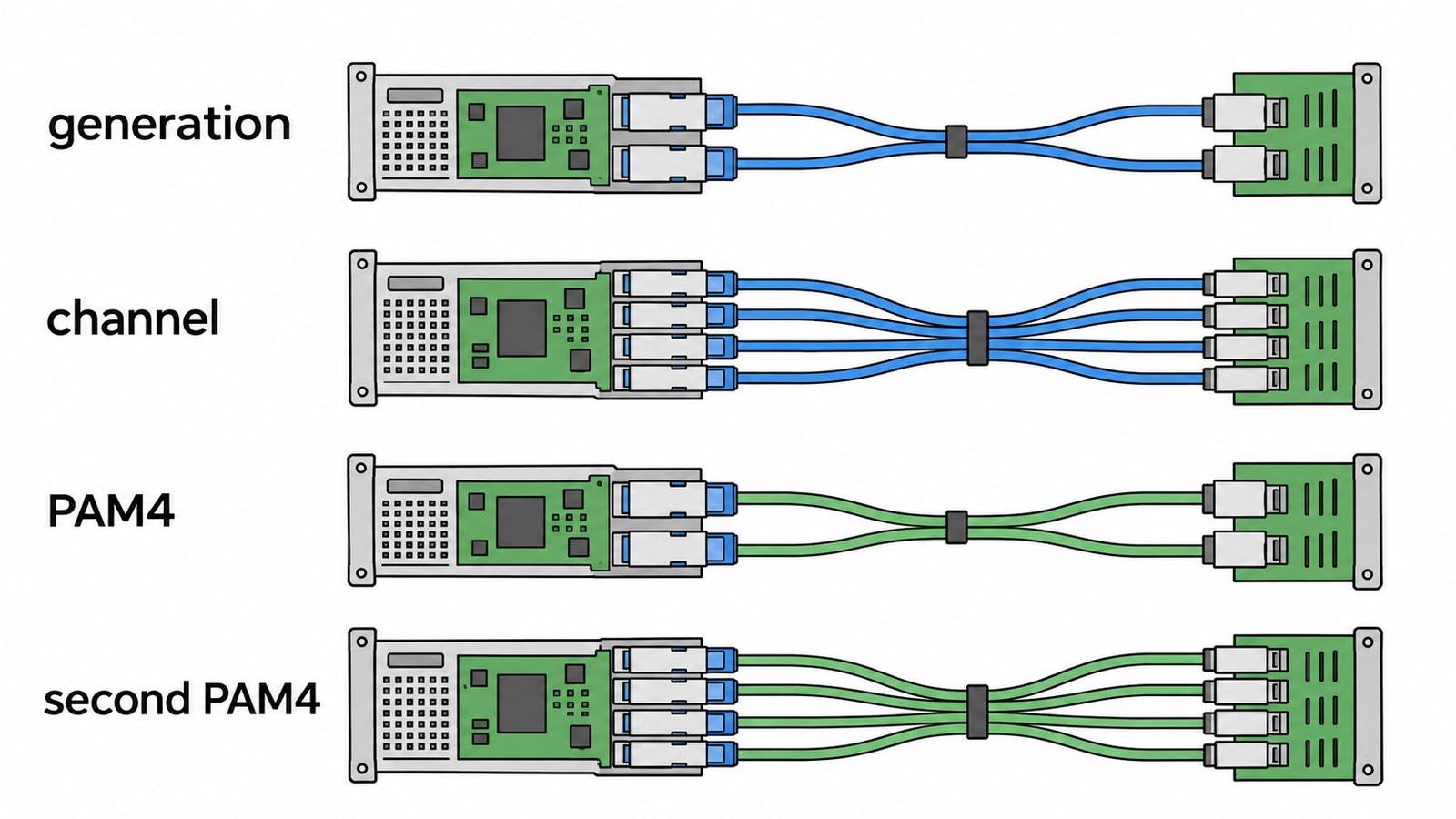
Decision 2: Confirm whether both ends match the product photo.
Both the product photo and the construction spec describe the same default build: gold fingers and a blue latch at each end, with a black braided jacket. When your drawing matches that straight build, call it out explicitly.
If one end uses a different connector, or if the cable splits into multiple ends, that configuration is not what the photo shows and must be confirmed on the order. Pin count is not listed on this page either, so include it for confirmation on the order.
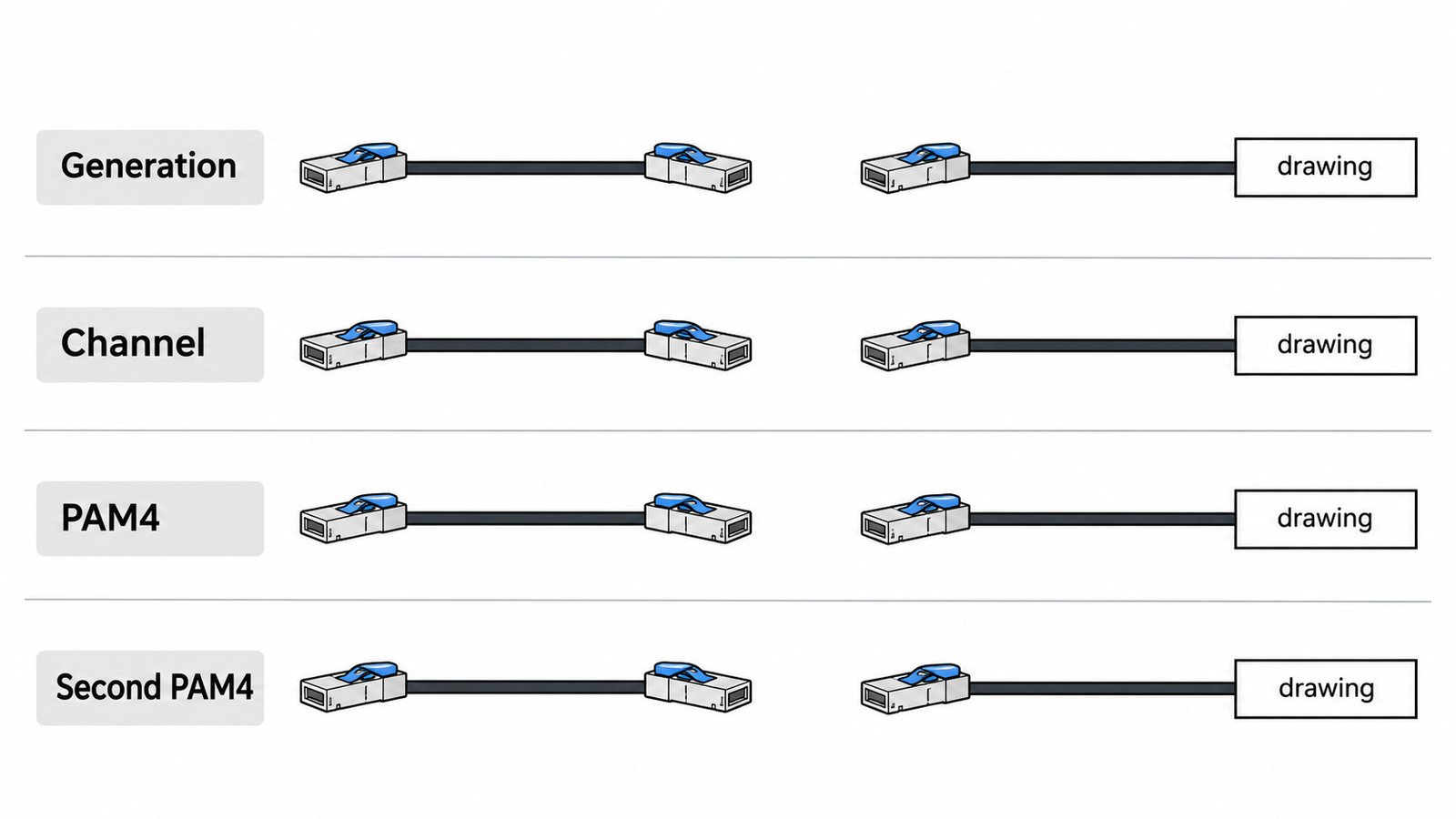
Decision 3: PAM4 vs NRZ—keep the modulation listed on the page.
PAM4 vs NRZ matters on the RFQ because this page specifies 56G PAM4 and 112G PAM4, and does not list NRZ. Keep PAM4 as written. Changing a PAM4 line to NRZ introduces a modulation the page does not specify.
Check the applications section as well. Alongside high-speed interconnect inside data center servers and high-performance computing, the catalog lists 25G Ethernet among the applications. Treat 25G Ethernet as its own line rather than mixing it with 56 Gbps or 112G PAM4.
Decision 4: Match the 85 ohm differential impedance—or flag a different board target.
The listed differential impedance is 85 ohm. Write 85 ohm on the RFQ when your board is designed to that target. If your board requires a different impedance, state it explicitly—this page does not offer a second impedance option.
Decision 5: Specify measured length and wire gauge on the order.
This page does not list a standard cable length or a wire gauge. Cable insertion loss is the reason length still belongs on every RFQ: longer runs add loss, and there is no catalog length here to default to. Wire gauge follows the same trade-off—finer wire bends more easily in a tight chassis, while heavier gauge holds up better over longer runs. Because neither figure is listed on the page, both are confirmed on the order.
Measure the actual routed path from the motherboard edge to the backplane, including bends and routing slack, and put that figure in your request. Do not copy a length over from another cable listing.
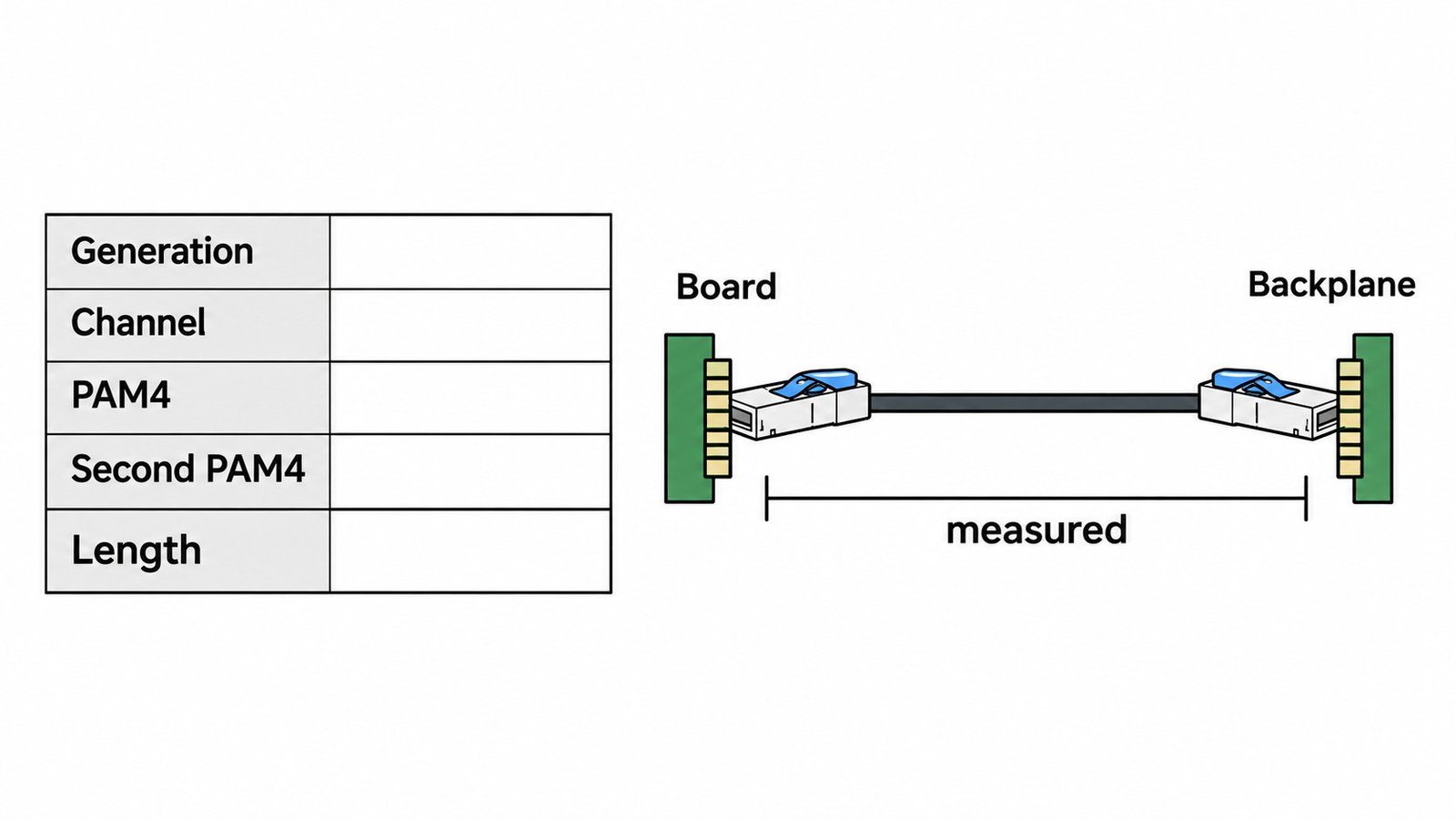
Decision 6: Keep the run inside the server, from motherboard to backplane.
The use case listed on this page is server motherboard to backplane—an internal chassis link. Anything that exits the chassis, connects two switches, or supplies drive power belongs on a different quote.
Describe the run in one line: which motherboard connector to which backplane connector, inside the same chassis.
Five mistakes that ship the wrong internal cable
- Writing Gen6 on an order for this page. The listing specifies PCIe Gen5 at 32 GT/s. A Gen6 selection belongs on a separate bare twinax quote.
- Merging 32 GT/s, 56 Gbps, 56G PAM4, 112G PAM4, and 25G Ethernet into one spec. Each appears on its own line on the page.
- Rewriting a PAM4 line as NRZ. The page lists PAM4 only.
- Assuming pin count, length, or wire gauge just from the MCIO name. None of those are listed here; all are confirmed on the order.
- Ordering bare twinax wire when the drawing calls for gold fingers and blue latches, or ordering this finished assembly when your plant terminates bare wire in-house.
What to send for a quote
Paste this into your request:
- Path: server motherboard to backplane, inside one chassis. Name both connectors.
- Cable: MCIO connection cable, SFF-TA-1016.
- Both ends: gold fingers with a blue latch at each end and black braid—or attach a drawing if either end differs, confirmed on the order.
- Rate line (copy the one that matches your link): PCIe Gen5 at 32 GT/s, single-channel 56 Gbps, 56G PAM4, 112G PAM4, or the 25G Ethernet application line.
- Differential impedance: 85 ohm, or your board's target if different.
- Length, gauge, and pin/channel count: measured routed length plus gauge and pair/channel count, confirmed on the order.
- Reference: your drawing, or the existing part number(s) this cable replaces.
Send that checklist through the quote button on Lianbang's MCIO connection cable page. If you also need bare PCIe twinax wire, list it as a separate line on the same request.